Case study · Brand system · Product family
Bennu Labs
Bennu Labs makes voice devices. The first is PocketAgent, an assistant that runs on a Raspberry Pi and answers to one word, and there are more on the way. They hired me for a logo and brand. Once we got started, we realized they needed a brand system that could house all of their products.
- heron, shared by every product
- 1
- colours, each with an eleven-step ramp
- 7
- named text styles
- 56
- button variants, in five styles
- 60
- component sets in the system
- 37
- pages of brand guidelines
- 47
- social platforms, kitted out
- 6
- files in the hand-off folder
- 361
- Client
- Bennu Labs
- Scope
- Brand system, product family, guidelines, social kit
- Built in
- Figma
- Year
- 2026
- Designed by
- Kate Dole, The Growth Grove (Allison, NB)
01 The brief
The brief arrived as a quick video. They talked me through the company and sketched the flow of the products: Bennu Labs on top, with a row of products underneath, each with its own home under Bennu Labs.
They loved the simplicity and cleanliness of Apple, and they wanted fun retro vibes too — Earth, Wind & Fire and The Karate Kid. So we leaned into grandma's afghan. Bright and a little cheeky. And one hard no: the soft cream-and-beige look so many AI products are wearing right now.
The name helped. Bennu is the Egyptian phoenix, and the old papyri draw it as a heron. I knew the mark would be a heron before I opened Figma.
- Bennu Labs
- ⟶ bennulabs.ai/pocketagent
- ⟶ /product-two
- ⟶ /product-three
Three directions, one pick
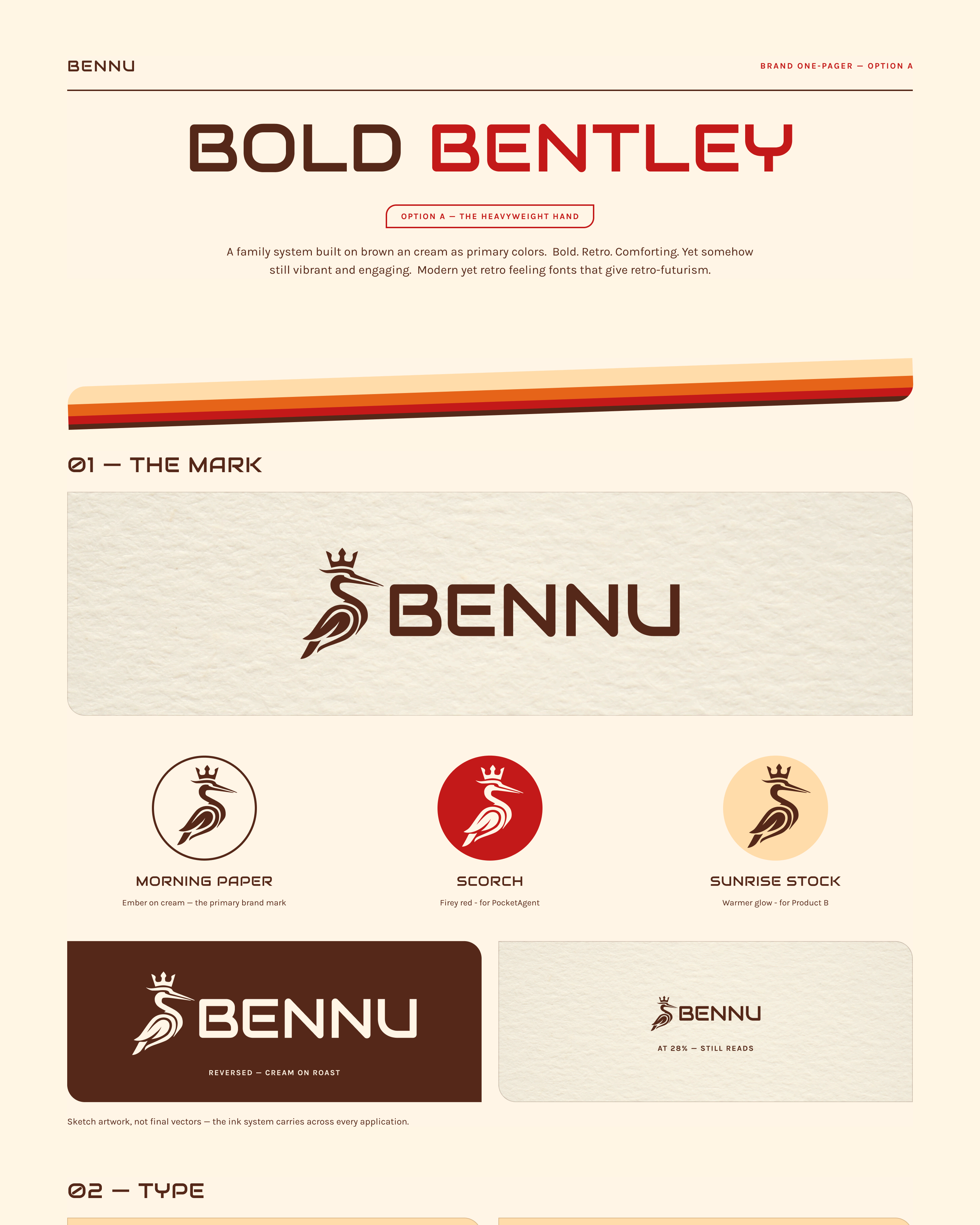
- A · Bold Bentley Chosen
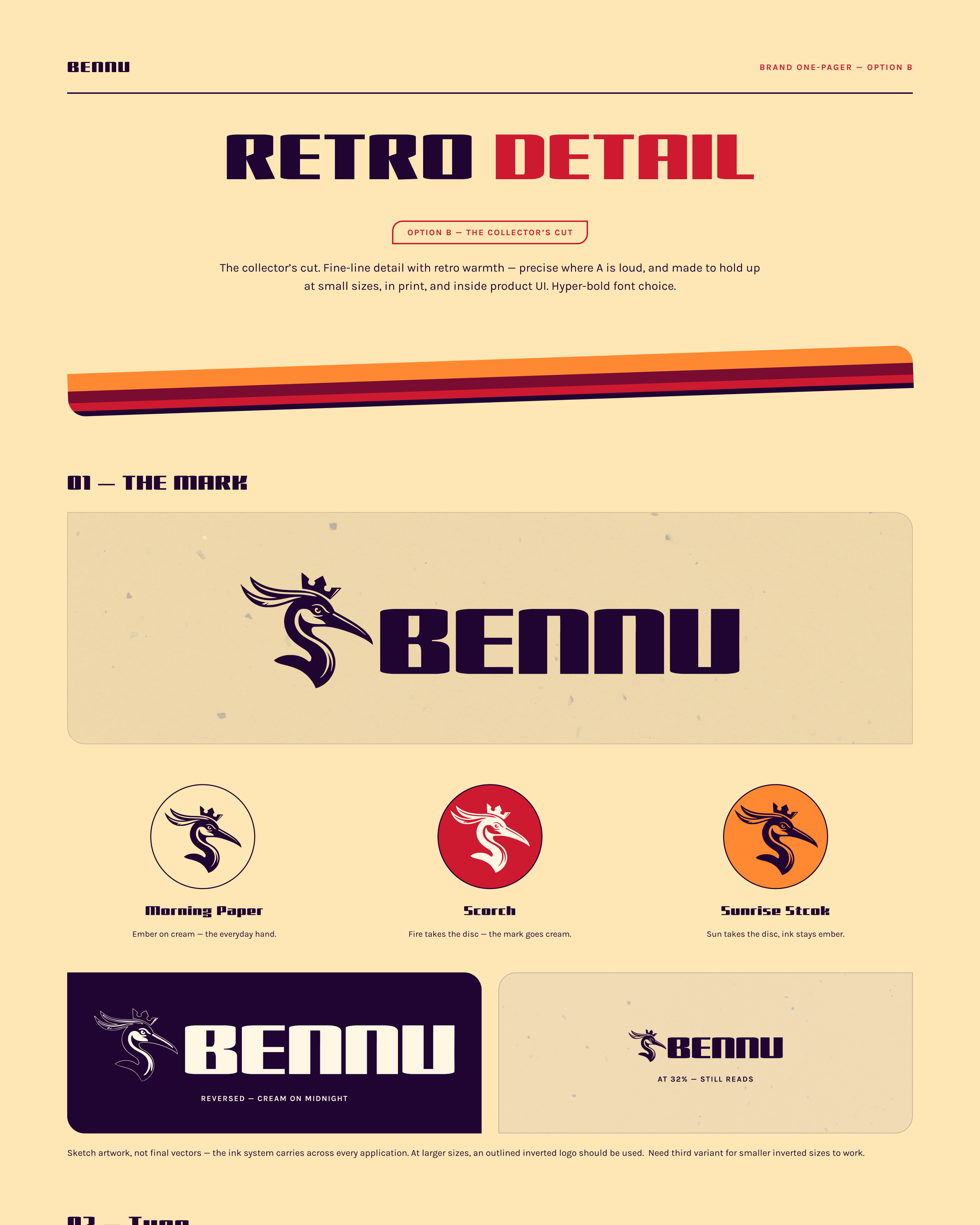
- B · Retro Detail Fine-line, midnight and mulberry
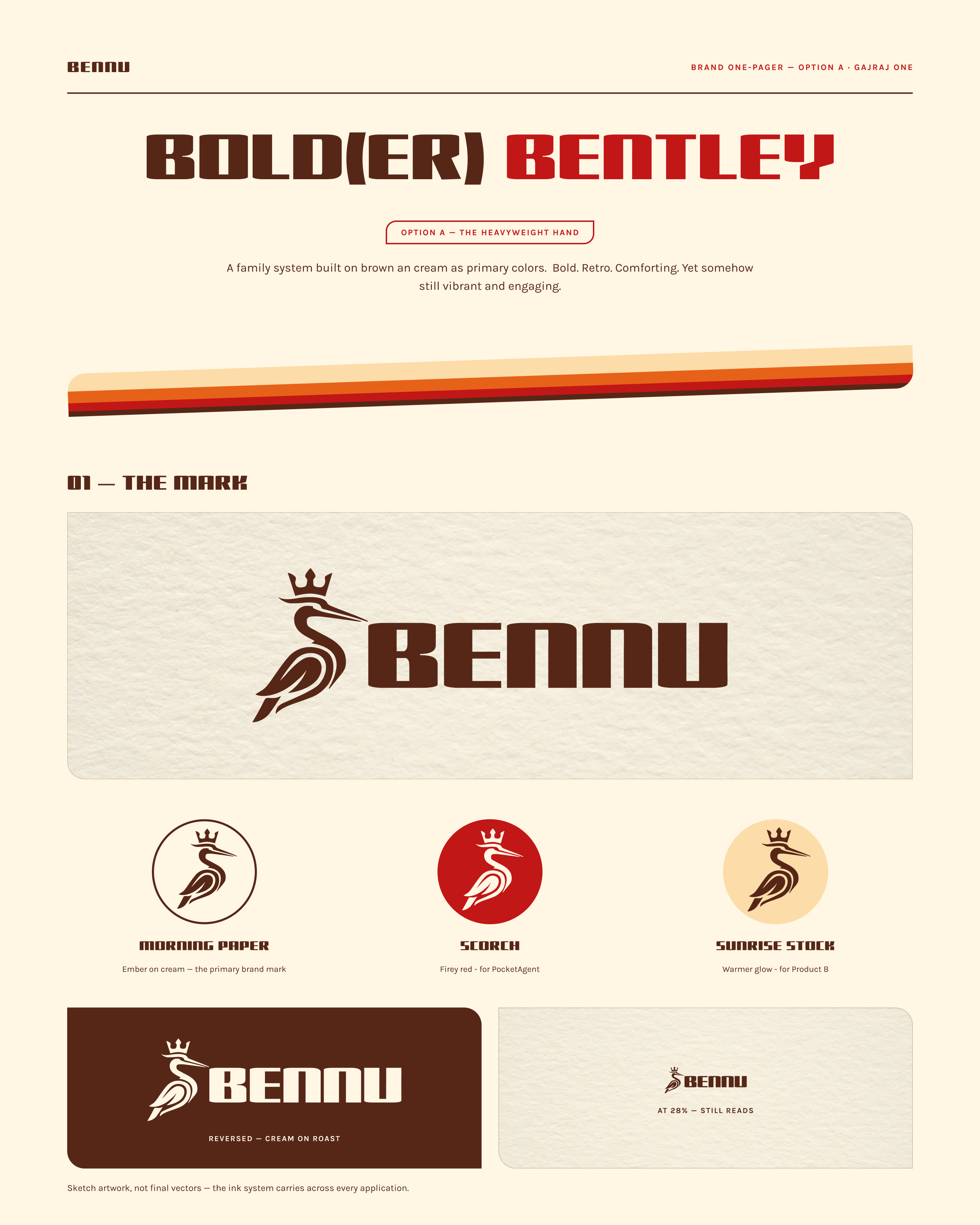
- A2 · Bolder Bentley Option A in Gajraj One
02 The heron leads the brand
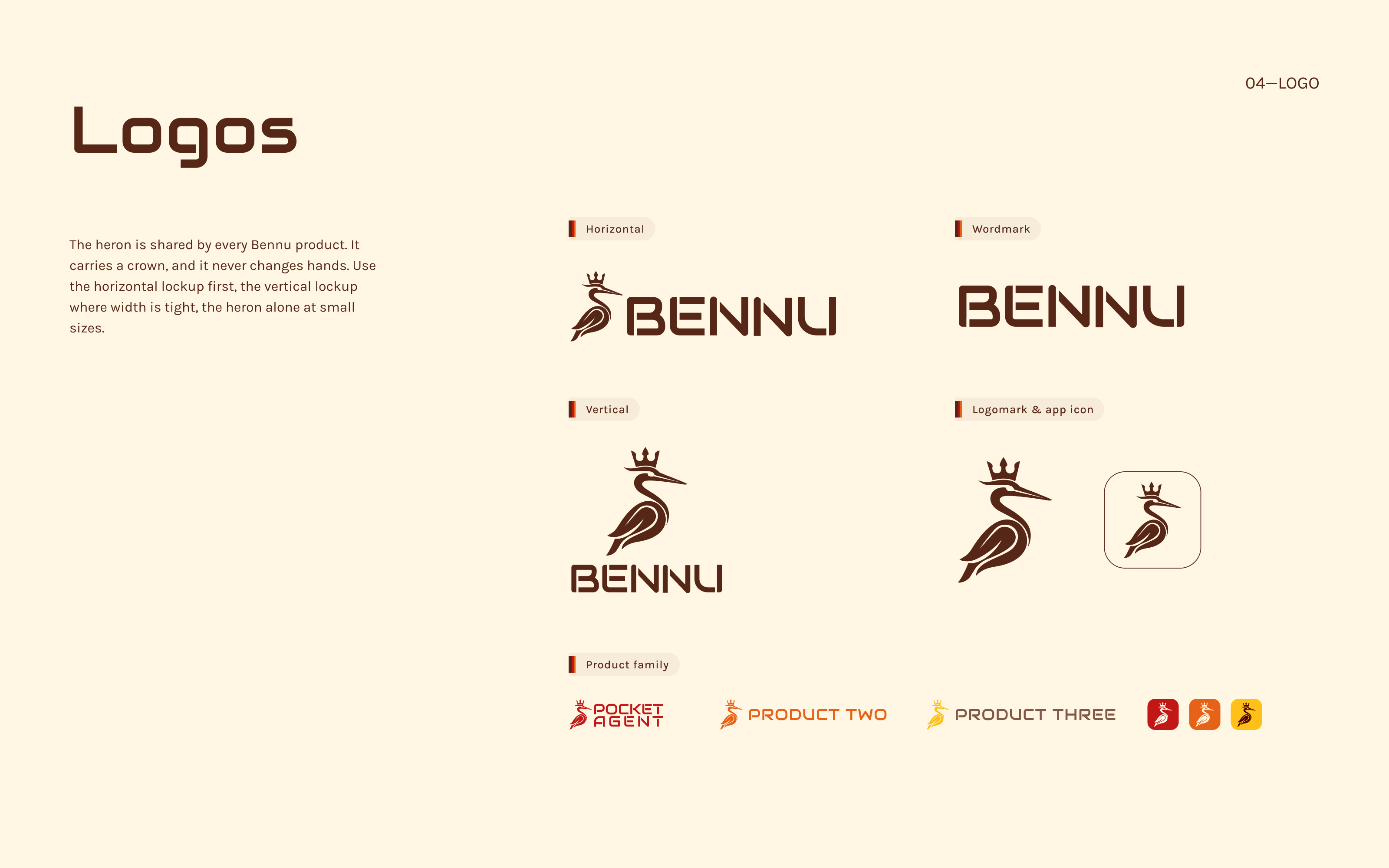
The crowned heron is the heart of Bennu. It comes from the deity the company is named after, the heron of sunrise and rebirth in Egyptian myth, so every product starts from that same thread.
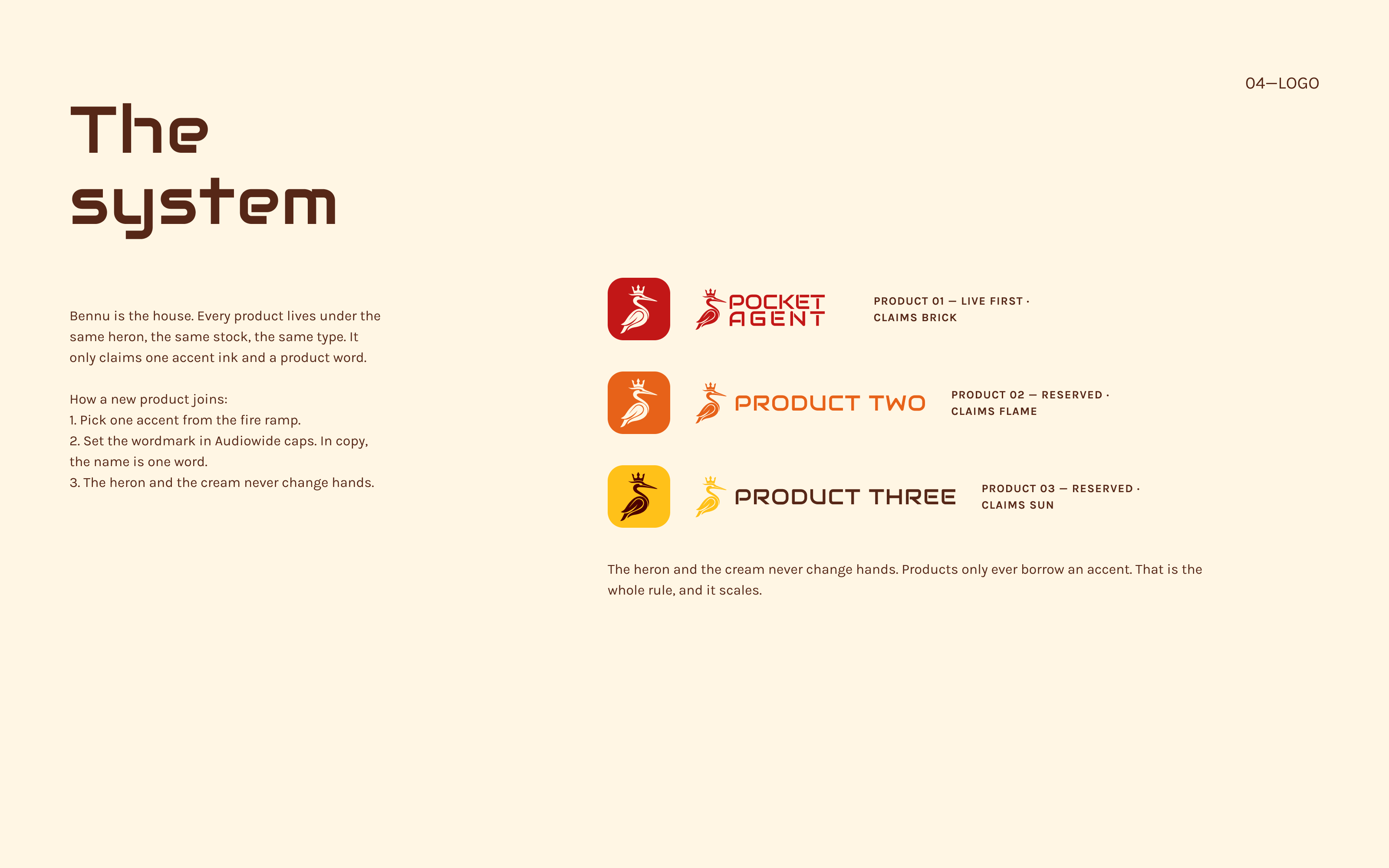
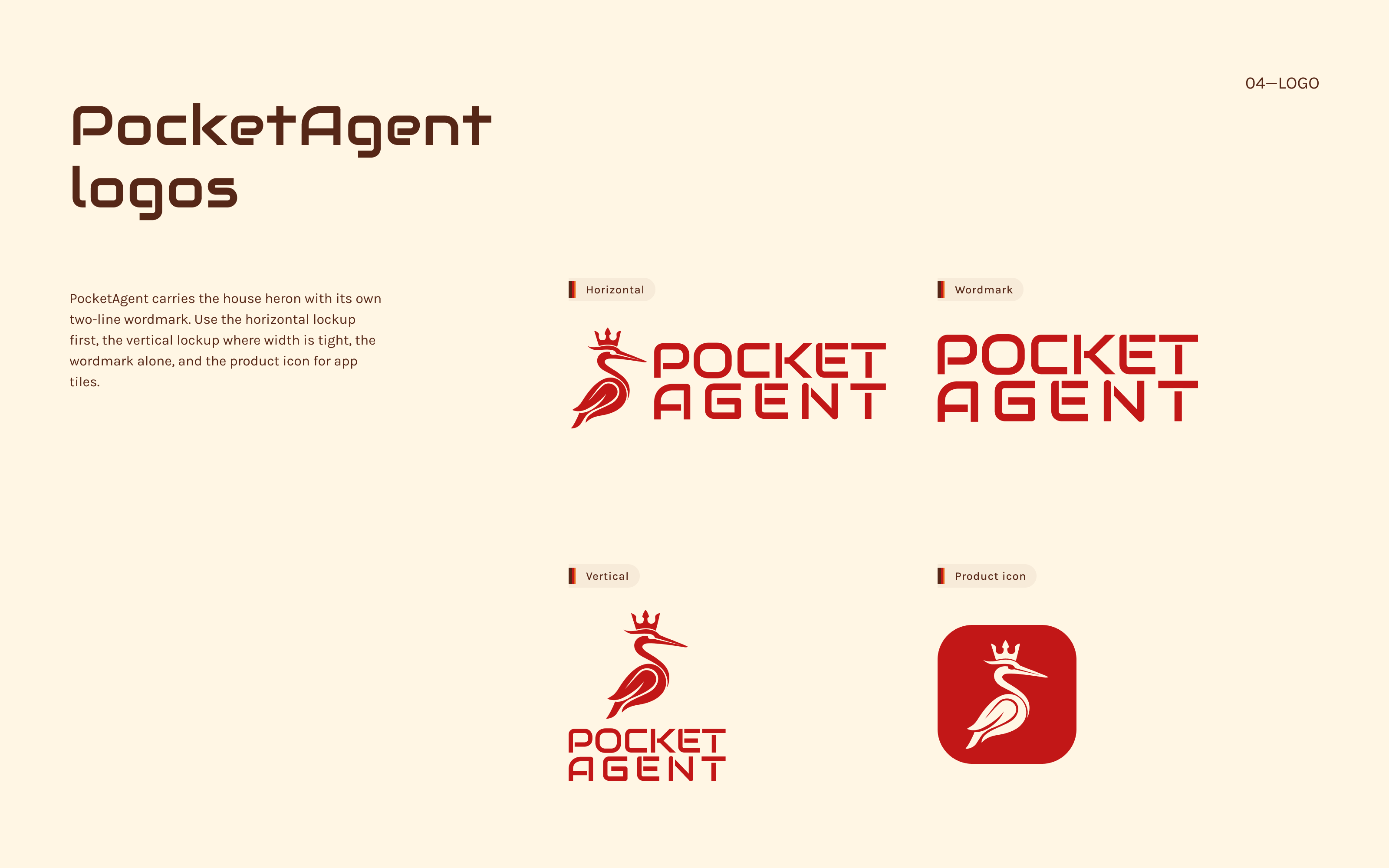
Each product gets its own accent colour and its own wordmark. PocketAgent took Brick, and I've already set aside colours for the next two, so when product three shows up it won't need another round of brand work.
Adding a product later is simple. Pick an accent from the fire colours, set the name in Audiowide caps, and keep the heron and the cream just as they are.
The houseThe Bennu Labs lockup
Product 01PocketAgent, in Brick
TogetherBennu and PocketAgent, side by side

03 Seven colours, with rules
The brief steered away from soft cream, and cream still covers 83% of every page. That was a deliberate call. Cream and deep brown tie every product back to Bennu Labs. What keeps it from looking like every other AI brand is what sits on top: Roast carries the text, and Brick, Flame and Sun bring the heat. I also banned the dusty pinks that make warm palettes look tired, so Brick 20 and 30 are never used for text or backgrounds.
Every colour has an eleven-step ramp, and I measured every pairing. The ratios below decide what can be body text and what's only allowed at headline size.
Share of every page
- Cream 83%
- Roast 8%
- Brick 5%
- Flame 2%
- Sun 1%
- Butter 1%
Contrast, measured (WCAG 2.1)
- Cream#FFF6E4 on Cream —, not applicable on Roast 11.5:1, passes for body text
- Roast#562717 on Cream 11.5:1, passes for body text on Roast —, not applicable
- Brick#C21717 on Cream 5.7:1, passes for body text on Roast 2.0:1, below 4.5:1 for body text
- Flame#E76219 on Cream 3.2:1, below 4.5:1 for body text on Roast 3.6:1, below 4.5:1 for body text
- Sun#FFC119 on Cream 1.5:1, below 4.5:1 for body text on Roast 7.6:1, passes for body text
- Butter#FDDCA8 on Cream 1.2:1, below 4.5:1 for body text on Roast 9.4:1, passes for body text
- Stock#7C7A75 on Cream 4.0:1, below 4.5:1 for body text on Roast 2.9:1, below 4.5:1 for body text
4.5:1 for body text, 3:1 for large type. Sun reads well on Roast and nearly disappears on Cream, so Sun is used for backgrounds and never for words.
- Roast 00, #FFF6E4
- Roast 05, #F7EBD9
- Roast 10, #EBDBC9
- Roast 20, #D5C0AE
- Roast 30, #C0A593
- Roast 40, #AA8A79
- Roast 50, #95715F
- Roast 60, #815847
- Roast 70, #6C4030
- Roast 80, #562717
- Roast 90, #3A1A0F
04 Audiowide announces, Karla explains
Audiowide looks like the faceplate on an old hi-fi, which felt right for a voice assistant. It's only used for titles, in one weight, with the letters spaced out a little. Karla handles everything else.
Both are free on Google Fonts, so anyone on the team can open a doc and use them. Every size in the type scale is saved as a named style in Figma, so headings come out the same every time.
READ ACROSS THE ROOM
Karla handles the explaining. It stays easy to read at small sizes.
05 The small things that make it Bennu
Four small details show up on almost everything Bennu makes. They're a big part of why it all looks like one company.
The stripe ribbon. Butter, Flame, Brick and Roast, thick to thin, straight off a seventies record sleeve. It runs along the bottom of covers, banners and slides. On light backgrounds, Sun takes Butter's place.
The sun disc. The phoenix rises out of it. It's the only element allowed to run off the edge of a page.
The badge. A dojo-club seal with BENNU LABS · EST. 2026 · ONE WORD RUNS THE HOUSE around the edge. Below 120 pixels the text drops off and the seal stands on its own.
One square corner. Every card, photo and button has three rounded corners and one square one. On buttons, the square corner moves when the state changes: top-left at rest, top-right on hover, bottom-left on focus. It's a small thing, and it's on every screen.
Try it: hover the button, then press Tab to focus it. The square corner follows.
06 Built to run without me
Behind the guidelines is a working Figma file. Every colour is a variable, and the interface colours have light and dark modes, so switching a screen to dark is one click. Buttons, tags, badges, logos and social templates are all components. When the final wordmark was ready late in the project, I swapped it in once and it updated on every cover, banner and slide.
Before anything went out, I checked every file: contrast ratios recalculated, @2x and @4x exports snapped to exact pixel sizes, and social banners sized to each platform's actual specs.
Everything went over in one folder: logos in every colour and format, the graphics, a social kit for six platforms, a ten-slide carousel, a colour and type reference sheet, and the guidelines in print and screen versions.
07 Out in the world
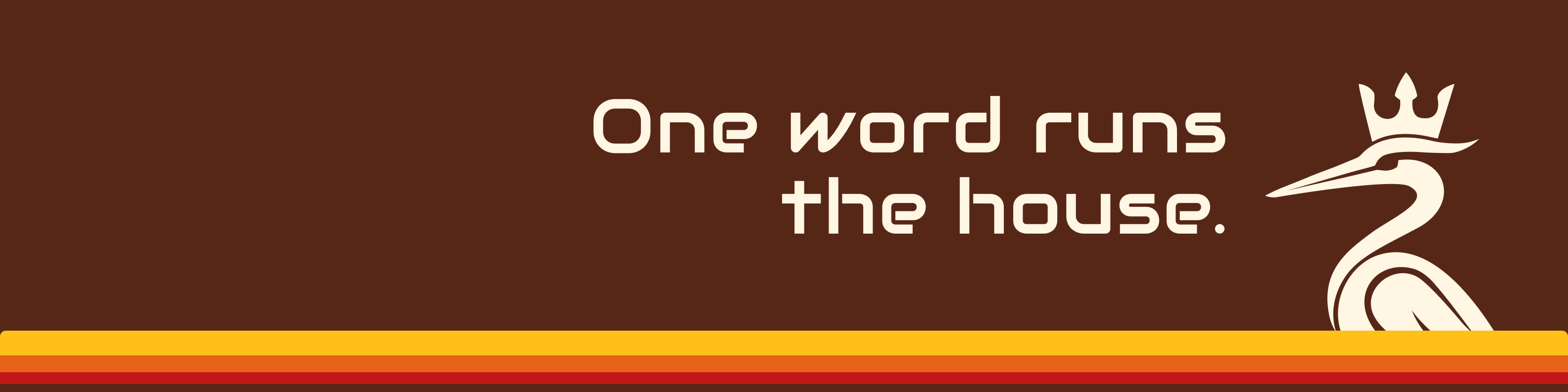
Every platform uses the same two pieces: a square profile tile and a Roast banner with the heron and the stripe. The carousel is ten slides built on one long canvas, so the heron can walk from slide one into slide two.
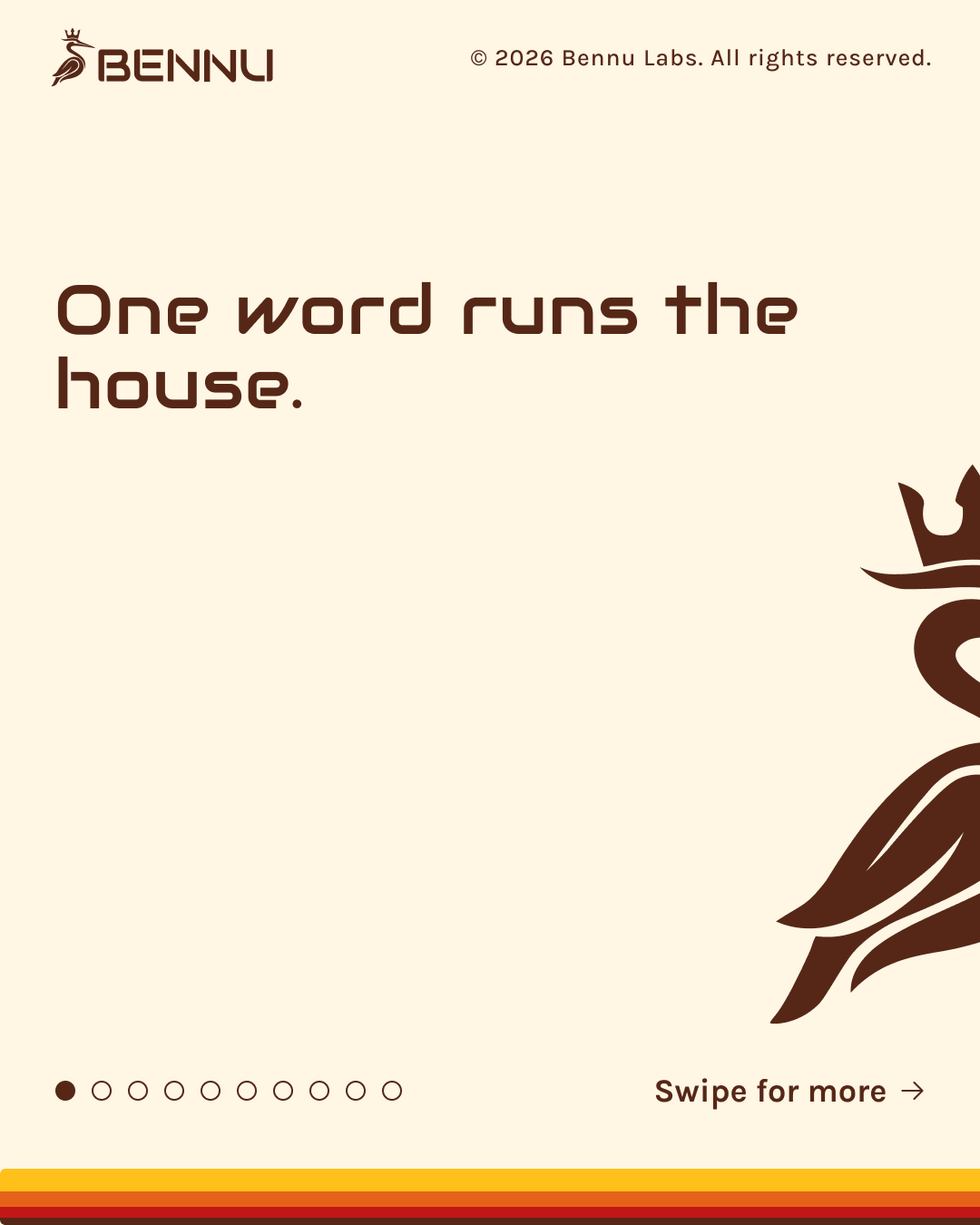
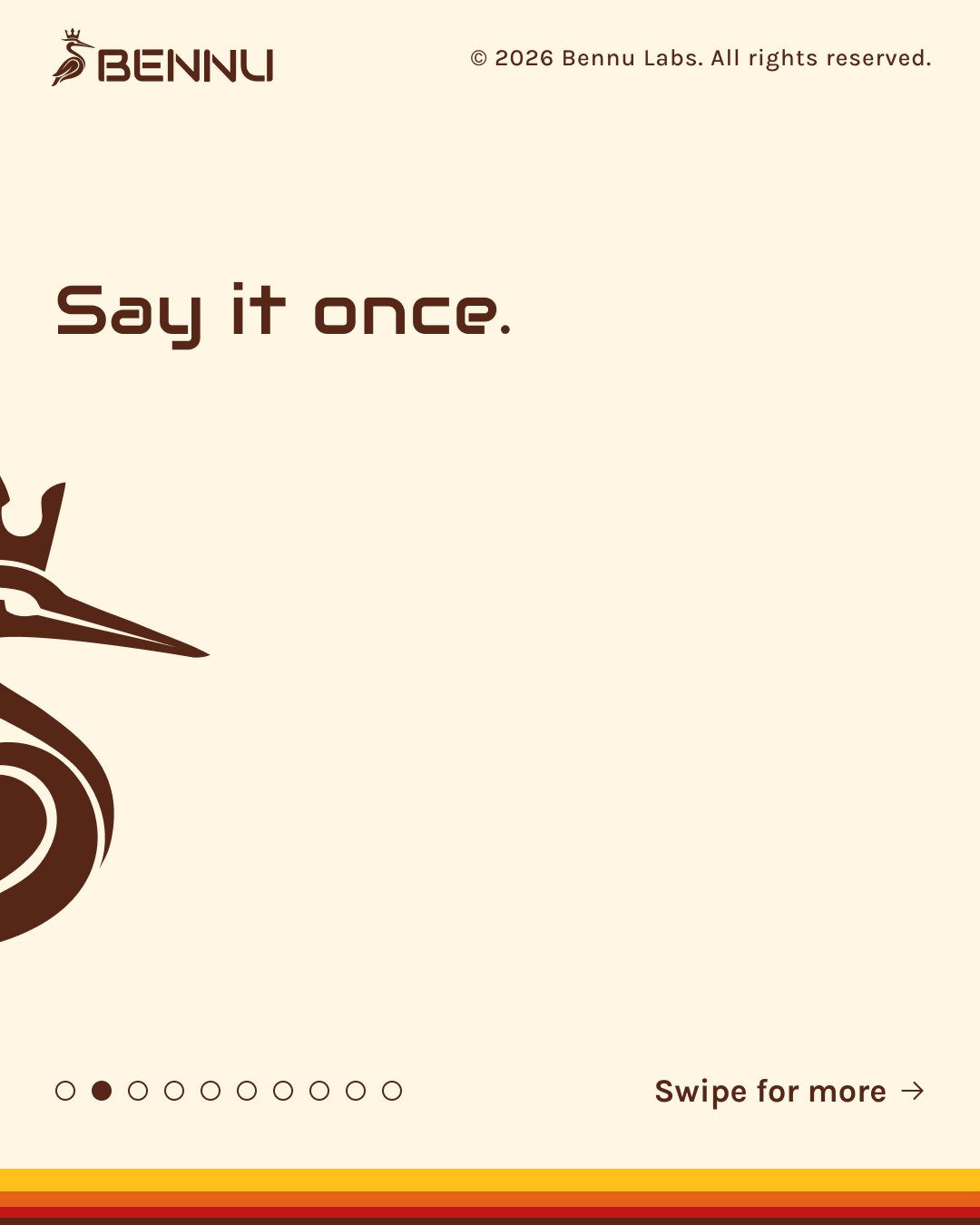
Slides one and two, posted as separate slides. The heron crosses from one into the next as you swipe.
The founder's reaction
Speechless.
That's the word that came back to me after the founder saw the finished system. I'll take it.
Building more than one thing?
If you've got more than one product coming, it's worth building the system first. Tell me what you're working on.